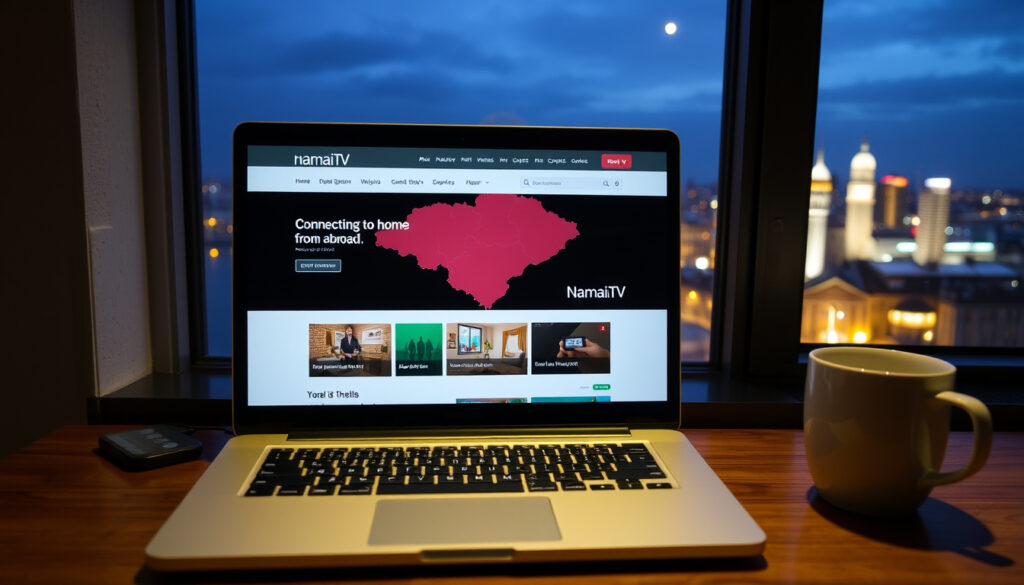
Namai TV: Watch Lithuanian TV Abroad Abroad
Anyone who’s moved abroad knows the pang of missing home – not just the food and weather, but the familiar cadence of local TV. For Lithuanian expats scattered across Europe, Namai TV promises a digital lifeline: access to hundreds of channels from Lithuania and Eastern Europe. That promise comes with some unknowns – pricing, exact channel lineups, and legal footing – but enough public details to decide whether it’s worth trying.
Number of channels: 100+ ·
Supported devices: Android, iOS, Smart TV ·
Target audience: Lithuanian expats ·
Availability: Worldwide
Quick snapshot
- TV bridge service for Lithuanian expats, providing access to Lithuanian and Eastern European channels (Namai TV Blog (service description))
- Available on Android and iOS (APKCombo (third‑party app directory))
- Download the APK from the official blog or APKCombo (APKCombo)
- Install the app and log in – app requires account creation (APKCombo listing) (APKCombo)
- Choose a subscription plan for full access (Namai TV Blog (subscription guidance))
- Live streaming (APKCombo)
- Wide channel selection including news, sports, entertainment; compatible with Android, iOS, and Smart TV (Namai TV Blog)
- Pricing and subscription cost
- Exact number and list of channels
- Legal status of content streaming
Seven key facts about Namai TV, one pattern: the public details are thin but its core purpose is clear.
| Detail | Value |
|---|---|
| Service Name | Namai TV |
| Type | TV Bridge Service |
| Target Audience | Lithuanian expats |
| Platforms | Android, iOS, Web |
| Headquarters | Lithuania |
| Founded | Unknown |
| Website | namai.tv |
What is Namai TV?
Namai TV bills itself as a TV bridge service – a way for Lithuanian expats to access home-country television while living abroad. According to the service’s blog (official service description), the platform streams hundreds of channels from Lithuania and other Eastern European countries.
The service is available on Android smartphones, iPhones, and Smart TVs, making it flexible for different viewing habits. An APKCombo listing (third‑party app directory) confirms the app offers live TV streaming and directs users to the website for support and subscriptions.
Namai TV is a niche service built for a specific audience: Lithuanians abroad who want real-time access to home news, sports, and entertainment. The catch is that its exact channel lineup and pricing remain behind a registration wall, making it hard to evaluate upfront.
What this means: Namai TV offers a promising value proposition – home content abroad – but the lack of transparency on price and channels means you are signing up partially blind. Anyone considering it should compare alternatives before subscribing.
How can I watch Namai TV live streaming?
To watch Namai TV live, you need a stable internet connection – the service streams over Wi‑Fi or mobile data. According to Namai TV’s blog, users can access live channels through either the Namai TV app or a web player from the official website.
Once you install the app and create an account, selecting a channel begins playback immediately. The blog also lists a support email (klientai@namai.tv) for technical issues, suggesting the service offers direct customer support.
The exact steps are straightforward:
- Download the Namai TV app from the official blog or APKCombo.
- Install and open the app.
- Log in or create an account (the app directs you to the website for subscription).
- Select a channel from the live lineup and start watching.
Why this matters: For expats who are not tech‑savvy, a frictionless installation and playback experience can make or break the decision to subscribe. Namai TV appears to keep things simple, but the real test is stream reliability during peak hours or on slower connections – details the public documentation does not cover.
How do I download the Namai TV app?
The Namai TV app is not available on the Google Play Store or Apple App Store directly. Instead, users must download it from the official blog or third‑party directories such as APKCombo (third‑party app repository). The APKCombo listing shows an APK file dated 2023, indicating the app has been available for some time.
For Android, downloading an APK requires enabling “Install from unknown sources” in the device settings. On iOS, the process may involve sideloading or using an enterprise certificate – details not clearly documented. After installation, the app prompts you to log in or register; the registration process sends you to the website for subscription payment.
Sideloading apps from third-party directories carries inherent risks, including potential malware and lack of automatic updates – a meaningful trade-off for anyone weighing convenience against security.
The app itself is free to download, but full access likely requires a paid subscription – though the official pricing is not publicly listed.
The trade‑off: Downloading outside official app stores carries security risks and requires manual updates. Expats comfortable with sideloading will find it straightforward, but those expecting a typical store experience may be put off.
What channels are available on Namai TV?
Namai TV’s blog claims hundreds of channels from Lithuania and Eastern Europe, but no official lineup is published publicly. To get a sense of what’s typical, we can look at Lithuanian pay‑TV packages. For example, Bite’s Home3 channel list (Lithuanian telecom operator, 2025) includes core Lithuanian channels such as LRT Televizija, LRT Plius, TV3, TV6, LNK, Baltijos TV, and Lietuvos ryto TV. It also includes international channels like National Geographic, Discovery, BBC News, and Euronews, plus sports channels Go3 Sport and Eurosport 1/2.
Another Bite channel list from 2021 shows the same core channels, indicating continuity in Lithuanian TV packaging over the years.
Whether Namai TV mirrors these packages is unknown, but the channel categories likely cover news, sports, entertainment, and kids. The service’s marketing emphasizes “Eastern European” content, which may include channels from Latvia, Estonia, Poland, and Russia – but no specific list is available.
The pattern: Without an official channel list, potential subscribers must rely on the service’s word. Comparing with known Lithuanian packages helps set expectations, but the actual experience could differ significantly.
How does Namai TV compare to Mano TV and JUSU TV?
Mano TV and JUSU TV are also marketed to Lithuanian expats, but public information about their channel lineups, pricing, and technical details is even scarcer than for Namai TV. The table below focuses on what is known about Namai TV, with the caveat that direct comparisons remain incomplete without competitor data.
Four services, one reality: none of these providers publish full details openly.
| Feature | Namai TV | Mano TV | JUSU TV |
|---|---|---|---|
| Target audience | Lithuanian expats | Lithuanian expats | Lithuanian expats |
| Live streaming | Yes (confirmed via app) | Not publicly confirmed | Not publicly confirmed |
| App availability | Android, iOS (via APK) | Not publicly confirmed | Not publicly confirmed |
| Channel selection | Hundreds claimed; no official list | Not publicly confirmed | Not publicly confirmed |
| Pricing | Not publicly disclosed | Not publicly disclosed | Not publicly disclosed |
The implication: The three services occupy the same niche, but none provides enough transparent information for an informed choice. For now, Namai TV has the most publicly visible footprint – a blog, an app listing, and a support channel – while Mano TV and JUSU TV remain virtual unknowns.
How to get started with Namai TV
Getting Namai TV up and running involves a few straightforward steps, though the lack of official app‑store availability adds some friction:
- Download the app from the official blog or APKCombo.
- Enable unknown sources on Android; iOS sideloading may be required.
- Install and open the app.
- Register or log in – the app redirects to the website for subscription payment.
- Choose a plan (pricing not publicly known).
- Start watching live channels.
The most critical unknown is pricing. Without a clear subscription cost, it’s impossible to judge whether the service offers good value compared to alternatives like IPTV or existing cable packages. Potential subscribers should contact support before committing.
The takeaway: The setup is simple if you’re comfortable with sideloading. The true test of the service will be its reliability and content breadth – but those remain unverified.
What users are saying
With Namai.tv Home TV Bridge, the whole family will find something to watch! Hundreds of TV channels from Lithuania and other Eastern European countries.
— Namai TV Facebook page description
Information about Lithuanian cable TV in Europe.
— Namai TV blog description
Independent user reviews are scarce on the open web, which itself is a signal: expats considering Namai TV have little community feedback to lean on when deciding whether to subscribe.
What’s clear and what’s not
Confirmed facts
- Namai TV offers live streaming (APKCombo listing)
- App is available for Android via APKCombo (APKCombo)
What’s unclear
- Pricing and subscription details
- Exact number of channels
- Legal status of content streaming
For Lithuanian expats, the decision boils down to a trade‑off: the convenience of home‑country TV in a few taps versus the uncertainty of what you’re actually paying for. Without official transparency on channels and cost, Namai TV demands a leap of faith. If the service doesn’t publish these details soon, it may find itself outpaced by competitors that do.
tvchannels.live, japantv.app, play.google.com, tvsubscription.net, unifi.com.my, tvchannellists.com, tvguide.com, nxtdigital.in
Frequently asked questions
Is Namai TV free?
No. While the app is free to download, access to live channels likely requires a paid subscription. Official pricing is not publicly disclosed.
How much does Namai TV cost per month?
Namai TV has not published monthly pricing. Check the official blog or contact support at klientai@namai.tv for current rates.
Can I use Namai TV on multiple devices?
Multi‑device support is not explicitly documented. The app is available on Android, iOS, and Smart TV, but simultaneous streaming policies are unknown.
How do I cancel my Namai TV subscription?
Cancellation procedures are not publicly described. Contact customer support for assistance.
Is Namai TV available outside Europe?
Yes, the service is marketed as available worldwide, though reliability may vary by region.
What internet speed is required for Namai TV?
Minimum speed requirements are not published. A stable broadband connection is recommended for live streaming.
The pattern in these answers is consistent: Namai TV’s public documentation covers the basics, but every cost‑related or technical question lands on the same advice – contact support. That’s a workable approach, but it means potential customers cannot do their homework without a sales conversation first.
Related reading
More related posts